Print on demand
From a design in the browser to a packed order.
Lay artwork onto a cut-and-sew blank in the browser, and the platform produces both of the things that follow: the mockup your buyer sees, and the print file the factory runs.
- Every printable panel, including the ones no camera sees
- Bleed and cut lines drawn while you work
- One design document behind the preview and the print file
- 3
- blanks in the catalogue
- 2
- categories to print on
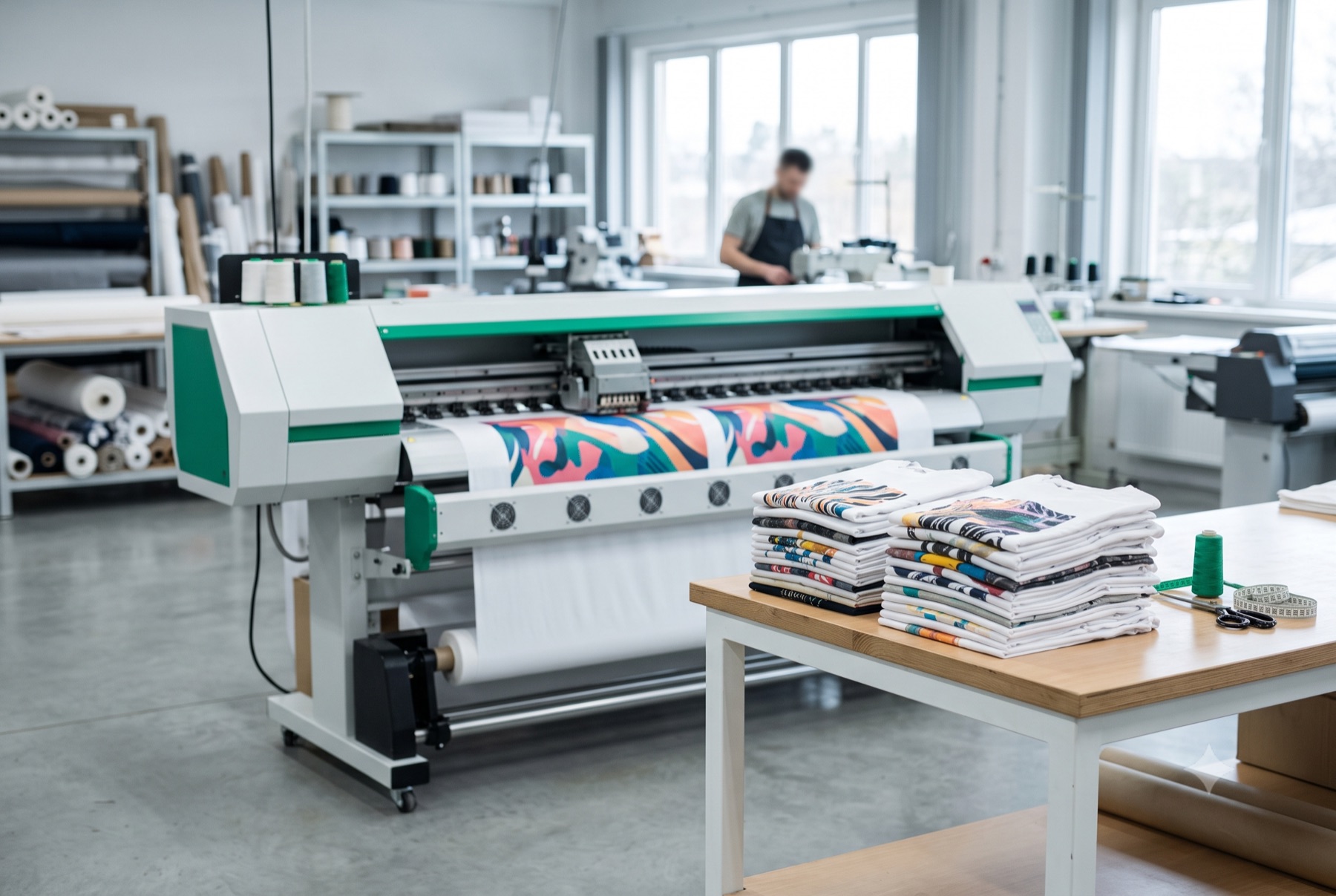
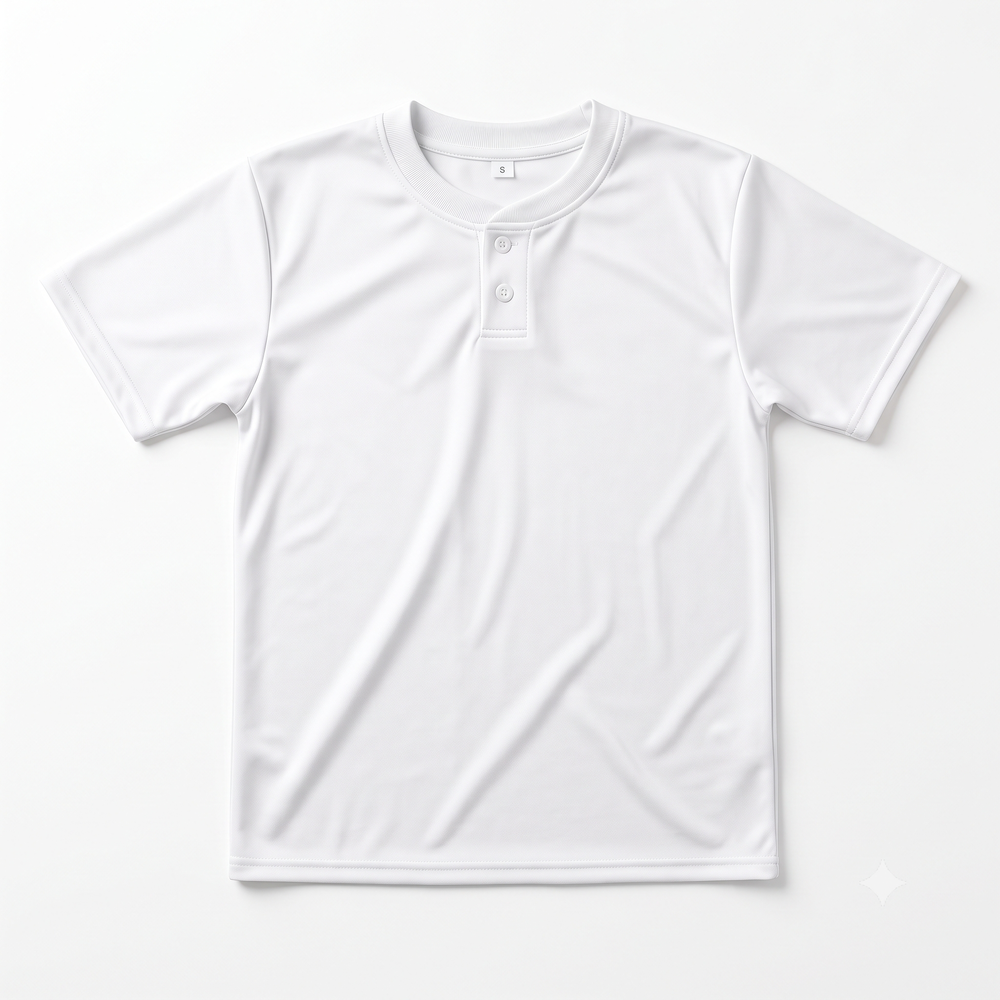
Shown: Classic cotton tee
Print on demand, from a design to a packed order
Four moves, and the platform owns the two in the middle that are hardest to get right.
- 01
Pick a blank
Browse the catalogue by category, fabric, size and colourway. Every blank lists the sizes it is graded over and the panels it can be printed on.
- 02
Design it in the browser
Place artwork and text onto each printable panel. The canvas shows the bleed and the cut line, so what looks safe on screen is safe on the roll.
- 03
List it in your store
Publish the blank as your own product, with your title, your description and your retail price on each size and colourway you want to offer.
- 04
We print and ship it
An order becomes a print file — every piece imposed at print resolution and nested with a cut marker — and the finished garment is made and sent for you.
Top categories
Every count is what the catalogue holds right now.
What the platform does for you
Everything between an idea and a garment a factory can make, in one place.
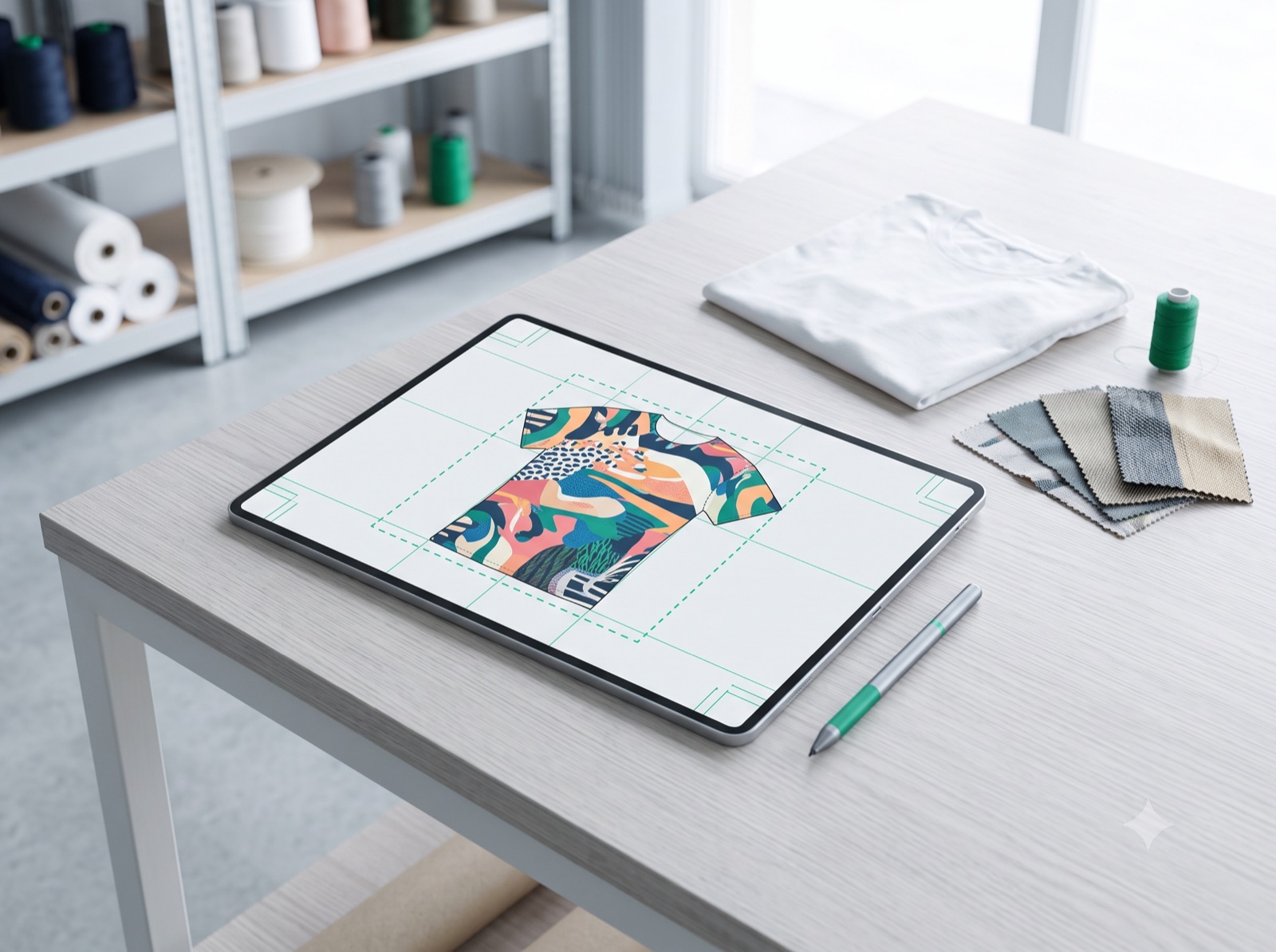
Design in the browser
A canvas for cut-and-sew work, not a sticker placed on a photograph. Artwork and text sit on the panels the garment is actually printed on.
- Every printable panel is editable, including pieces no camera sees
- Bleed and cut lines are drawn while you work
- Every change is saved as a version you can go back to
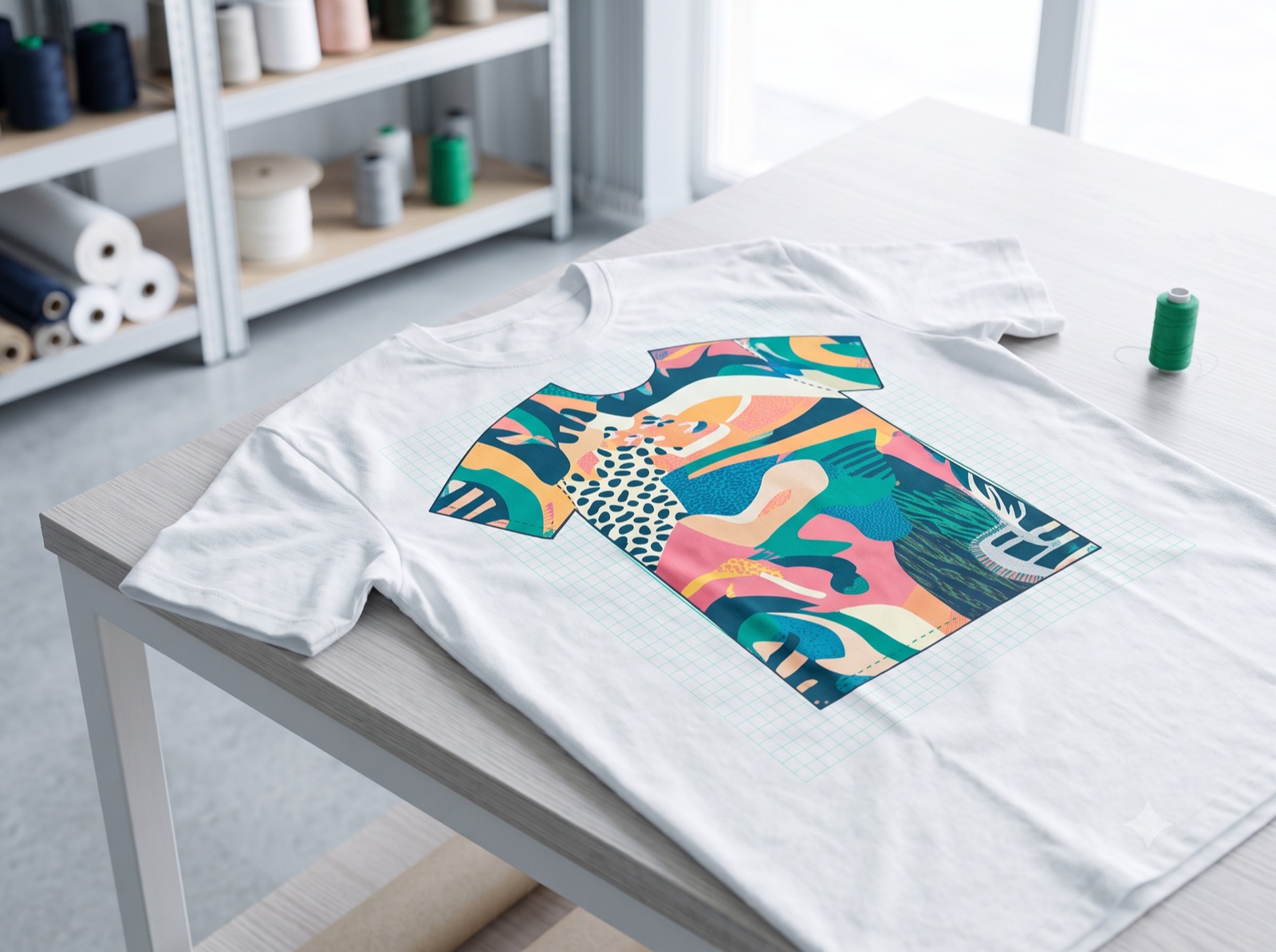
Mockups that show the garment
Artwork is warped onto a photographed blank so a listing image is the product, not a flat rectangle over a product.
- Front, back and combined views, per blank
- Photography and meshes versioned together, so imagery never half-updates
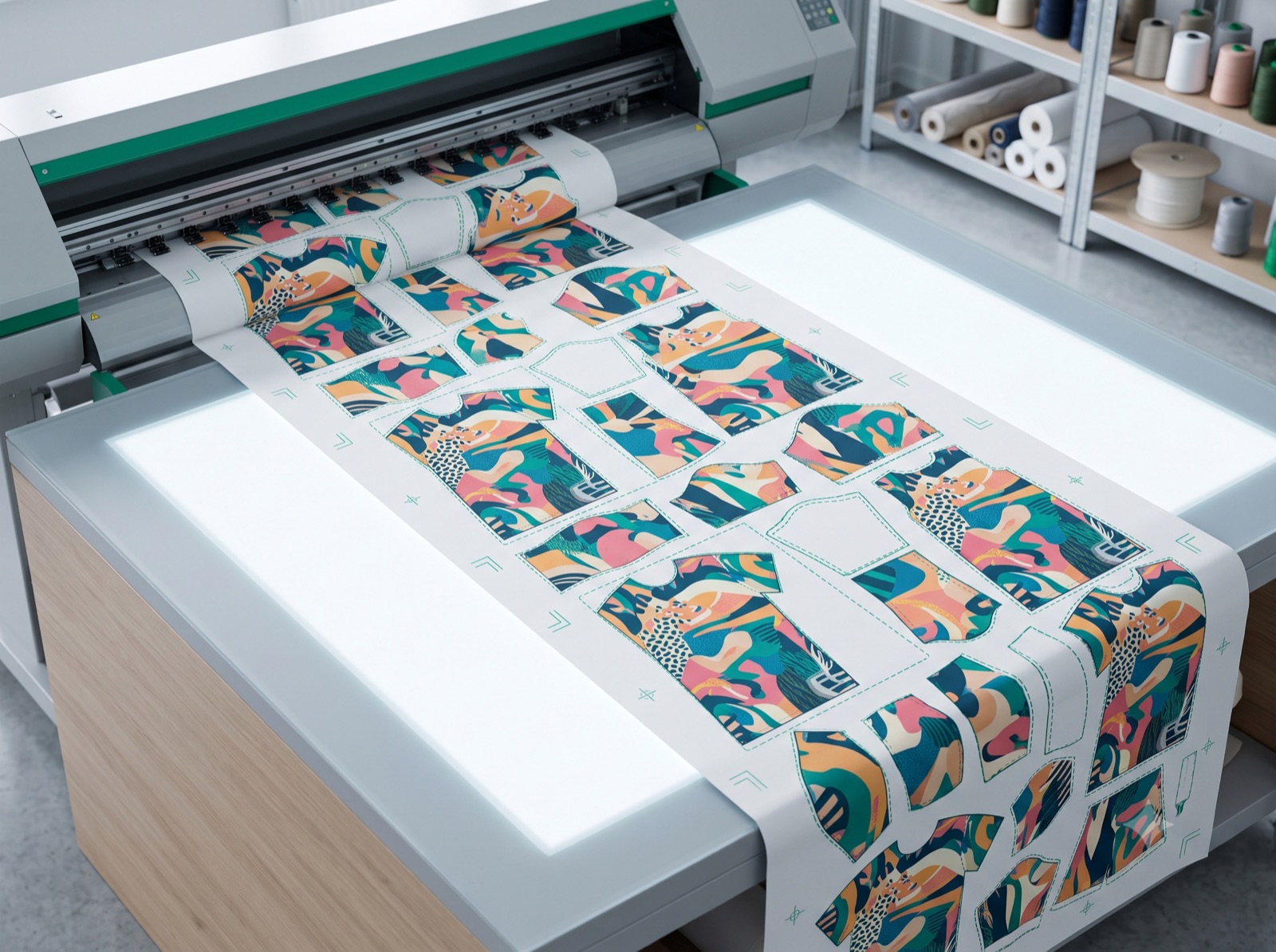
Print files a factory can run
The output the platform is built around: every piece of the garment imposed at print resolution and nested onto the roll.
- Per-piece bleed and a cut marker on every sheet
- Fonts substituted before the file leaves the platform
- Sheets composed band by band, so size is not a limit
Exports on your terms
Take the mockups, the print files, or both — one size or the whole graded run.
- Mockups and print files are separate jobs with separate queues
- A run that is cancelled part-way keeps the sizes that finished
Your own store
List a blank as your product, at your price, with your words. The platform's cost stays the platform's.
- Your title, description and imagery per listing
- A retail price on each size and colourway you offer
- Several stores under one account, each with its own team
What makes PLAMPOD different
Four decisions taken in the codebase, and what each one means on the screen you use.
A blank's sizes are its own
Sizes come from the templates a blank actually ships, so a garment graded over five sizes exists as itself rather than being refused for missing four it never had.
The preview and the print file agree
Both are produced from one design document and one piece geometry. What the canvas shows you inside the cut line is what the factory receives.
Imagery cannot half-update
A blank's photographs and warp meshes are versioned as one unit, and re-publishing changed imagery under an old version is refused rather than quietly applied.
Cost and price stay separate
What the platform charges you and what your buyer pays are two different numbers on two different screens. Nothing on this site prices your product for you.
What merchants say
Sample content — replaced when the real thing exists
Sample merchant
Apparel store
This quote is a placeholder. When merchants are trading on the platform, their words go here — with their consent, their store named, and nothing edited into their mouths.
Sample merchant
Accessories store
A second placeholder, sized like a real review so the band's layout can be judged before the content exists. Length, line breaks and the card's height are the point of it.
Sample merchant
Home and living store
A third placeholder, deliberately shorter and rated four rather than five — a wall of identical five-star praise is the shape a fabricated review band always takes.
From the workshop
Sample content — replaced when the real thing exists
6 min read
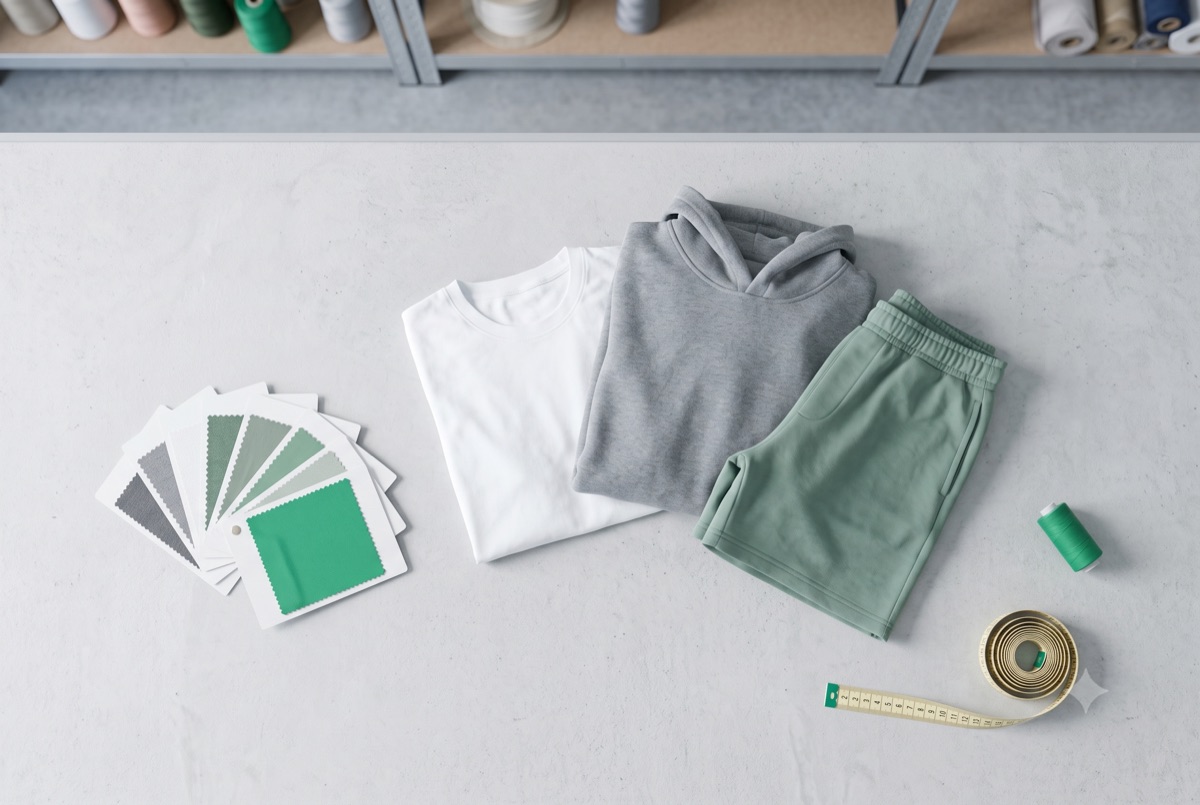
Placeholder: choosing a blank to print on
A sample card standing in for an article about fabric weight, grading and which panels a cut-and-sew blank will actually take ink on.
8 min read
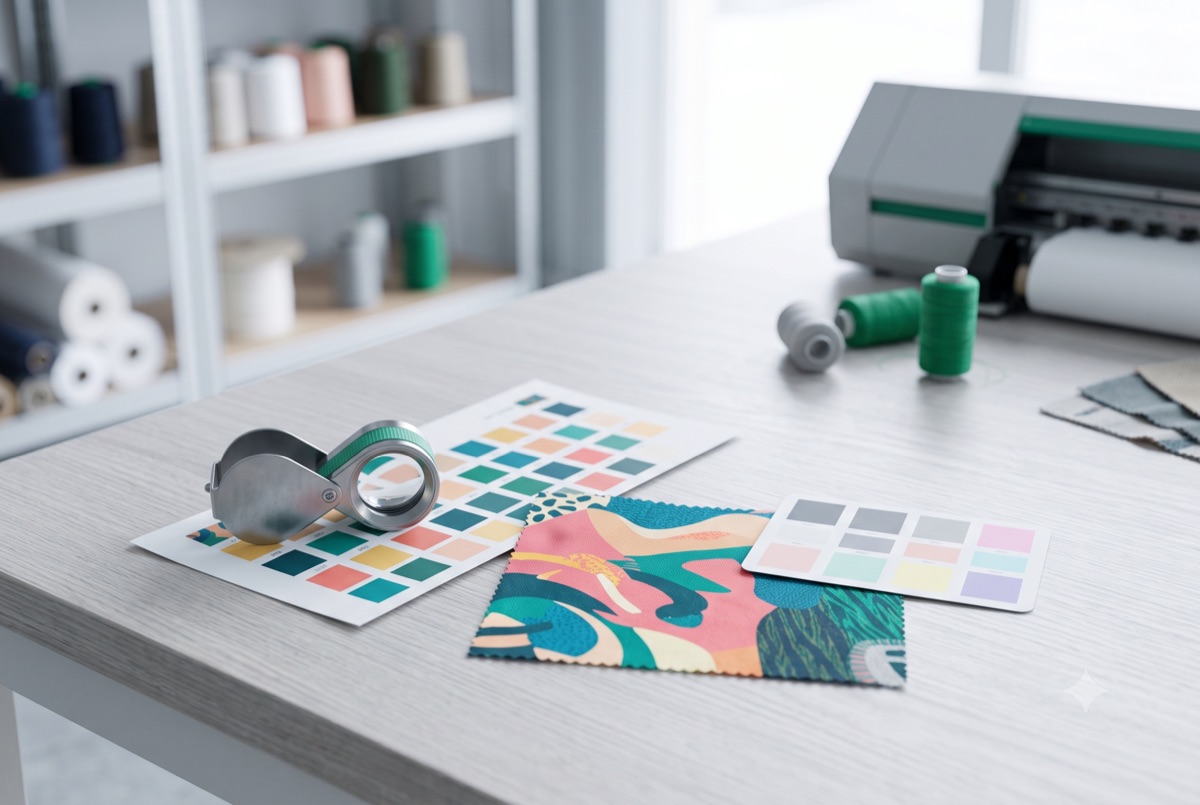
Placeholder: preparing artwork for the roll
A sample card standing in for an article about resolution, bleed and the difference between what looks safe on screen and what survives the cut line.
5 min read
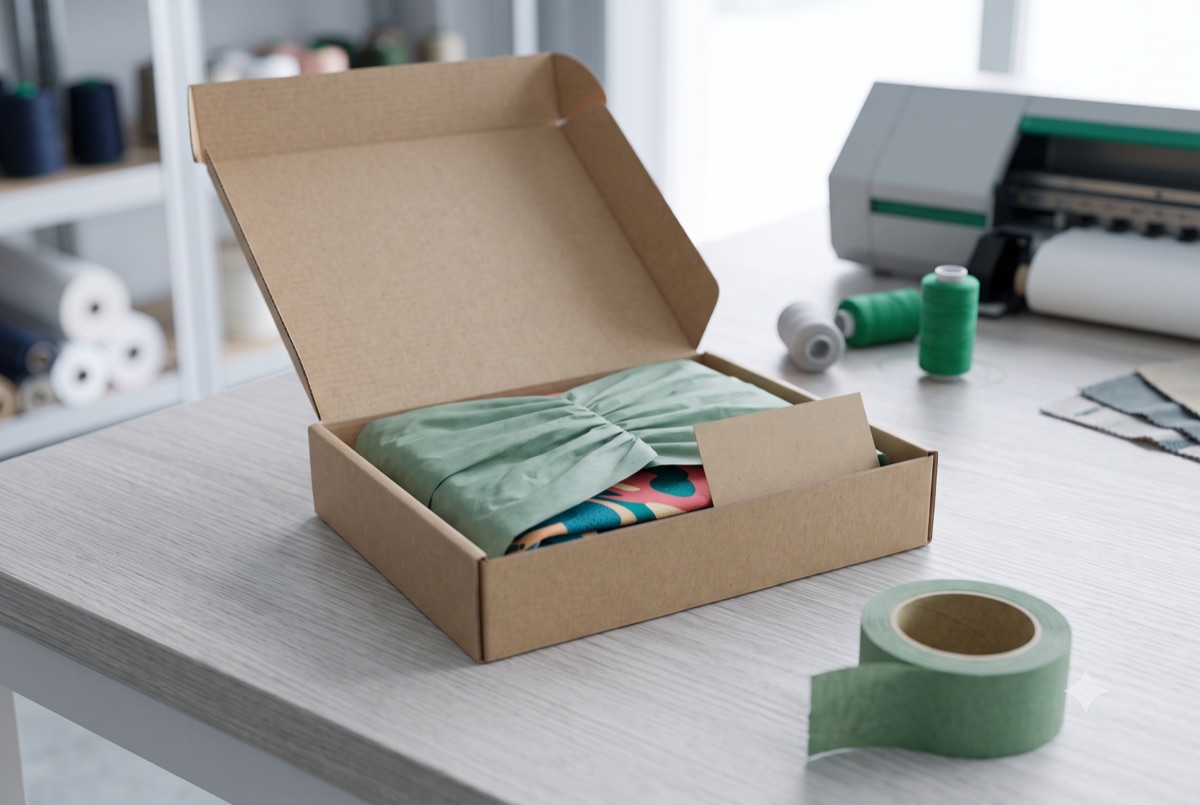
Placeholder: pricing a print-on-demand product
A sample card standing in for an article about the gap between what a blank costs you and what a buyer is asked to pay for it.
Questions people ask first
What a blank is, what it costs, and what the platform does and does not decide for you.
Pick a blank and start designing
Browsing the catalogue needs no account. You are asked for one when you open the editor.